Crystal Dew World logo

CrystalMark 2004

CrystalMark 2004 [Obsolete]

*The ranking system has been terminated.
The result of CrystalMark 2004R7 is not compatible with CrystalMark 2004/R2/R3.

CrystalMark 2004R7 is a 32bit total benchmark software.

Benchmark Ranking

System Requirements

CrystalMark 2004R7

OS x86 : 2016/10/8.1/8/2012/7/2008/Vista/2003/XP/2000
x64 : 2016/10/8.1/8/2012/7/2008/Vista/2003/XP

CrystalMark 2004R3

OS x86 : Vista/2003/XP/2000
x64 : Vista/2003/XP

CrystalMark 2004

OS x86 : NT4/Me/98/95
IE 4.0 ~

Key Features

  • Supports max. 32 Threads for ALU/FPU/MEM tests
  • CPU (ALU/FPU)
  • Memory
  • HDD
  • Graphics (GDI/DirecDraw/OpenGL)
  • BIOS/Mother Board Information
  • CPU (Clock, Cache, Multiplier, System Clock …)
  • Chipset (North/South)
  • Video (Driver Information/ Video RAM)
  • PCI Device
  • IDE HDD Information
  • DLL Information (Windows / VisualC++ / VisualBasic / Archiver )
  • Wallpaper

Important Notice

  • “MB/s” means 1024*1024byte/second.

Screen Shots

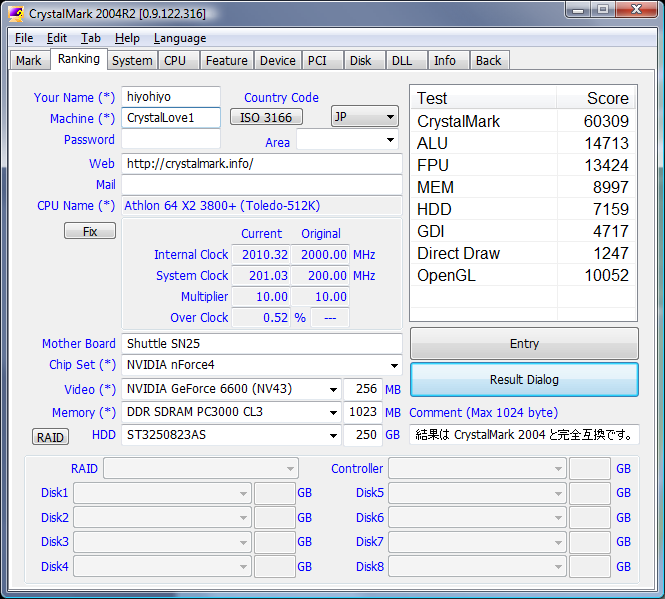
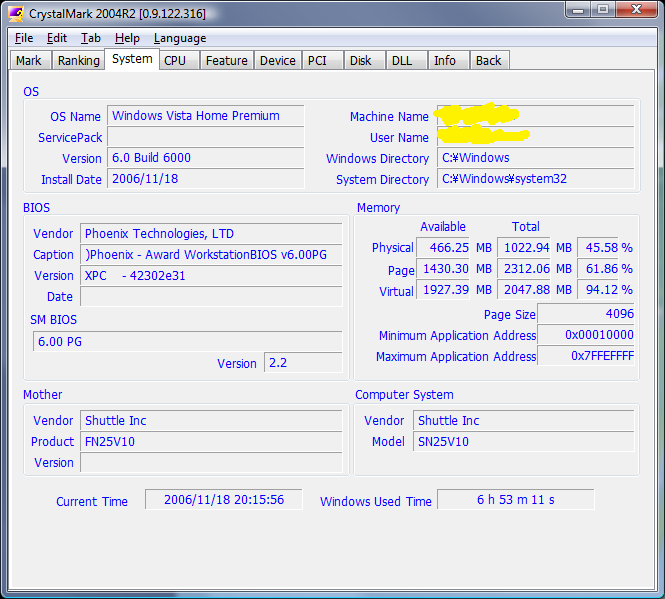
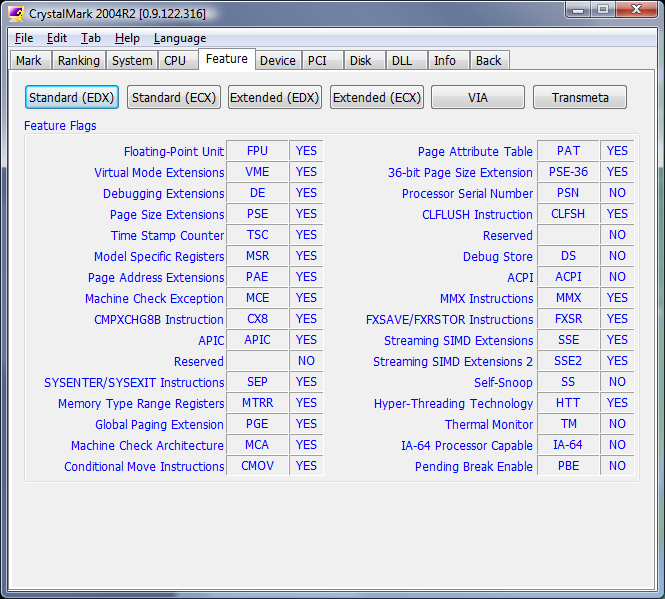
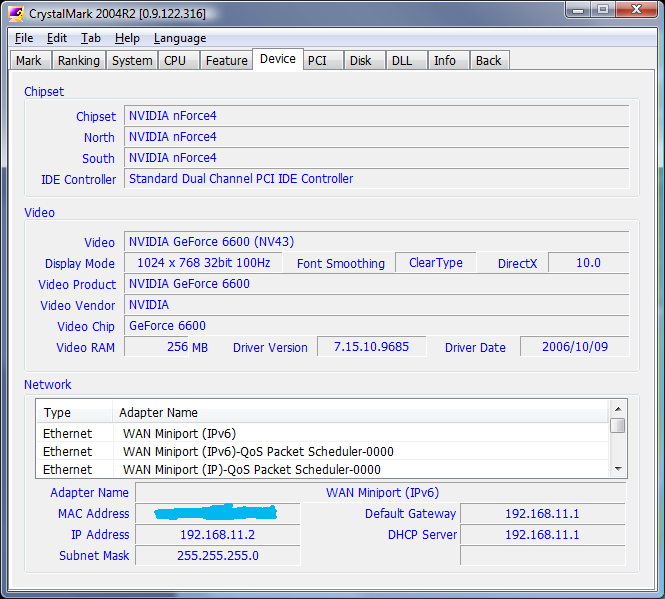
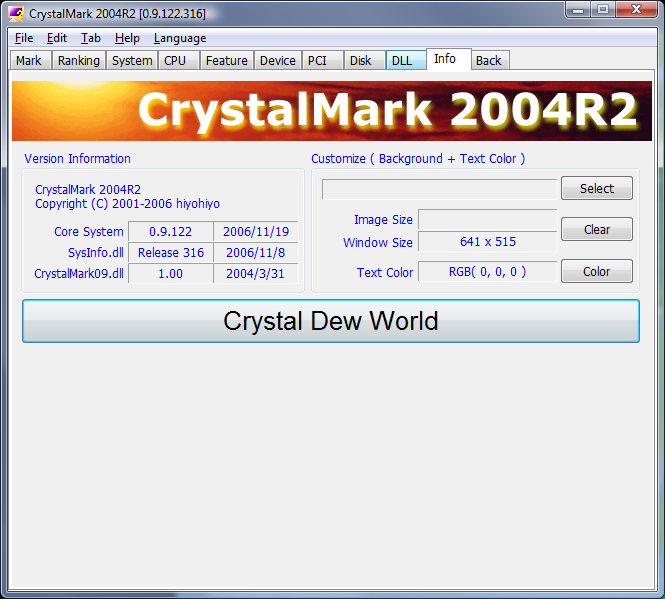
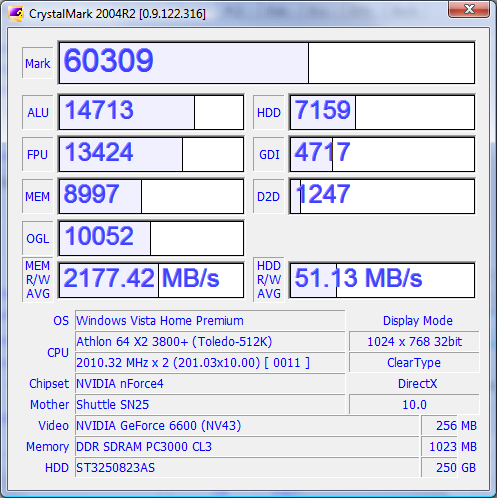
CrystalMark 2004 MARK panel on Windows CrystalMark 2004 RANKING panel on Windows CrystalMark 2004 SYSTEM panel on Windows CrystalMark 2004 CPU panel on Windows CrystalMark 2004 FEATURE panel on Windows CrystalMark 2004 DEVICE panel on Windows CrystalMark 2004 PCI panel on Windows CrystalMark 2004 DISK panel on Windows CrystalMark 2004 DLL panel on Windows CrystalMark 2004 GDI panel on Windows CrystalMark 2004 D2D panel on Windows CrystalMark 2004 OGL panel on Windows CrystalMark 2004 INFO panel on Windows CrystalMark 2004 RESULT panel on Windows

A focused guide to CrystalMark 2004

This independent CrystalMark 2004 page gives Windows users one focused explanation of the utility’s purpose, editions, compatibility, preparation, and output. It is written to help readers move from installation to a repeatable check without confusing drive health, responsiveness, and benchmark throughput.

Confirm the version and publisher before installation, pause transfers and updates, note drive temperature and available space, and use the same power mode for comparisons. Keep backups current. A benchmark describes a selected workload; a health screen reports device data and neither result should be interpreted without context.

Return Top